
One agent on every channel
Discord, Telegram, a web app that installs as a PWA, and your terminal share one conversation history and one memory. Start a thread on your phone and finish it at your desk.
Agent HQ (HQ for short) puts one AI agent on Discord, Telegram, a web app and your terminal. It keeps your data in a markdown vault on your own disk and supervises the coding agents you already use. One Rust binary of about 58 MB. No cloud backend.
curl -fsSL https://agent-hq.online/install.sh | bash
 One agent
Your vault
.vault/*.md
One agent
Your vault
.vault/*.md
Supervises the coding and personal agents you already use
How it fits together
Every channel reaches the same agent loop, and the agent reads and writes the same vault. That is the whole idea. The architecture page goes through each part.
Discord, Telegram, the web app and your terminal share one conversation history and one memory. Start a thread on your phone and finish it at your desk.
Sub-agents run single, parallel, race or graph. Long turns detach and report back when they finish.
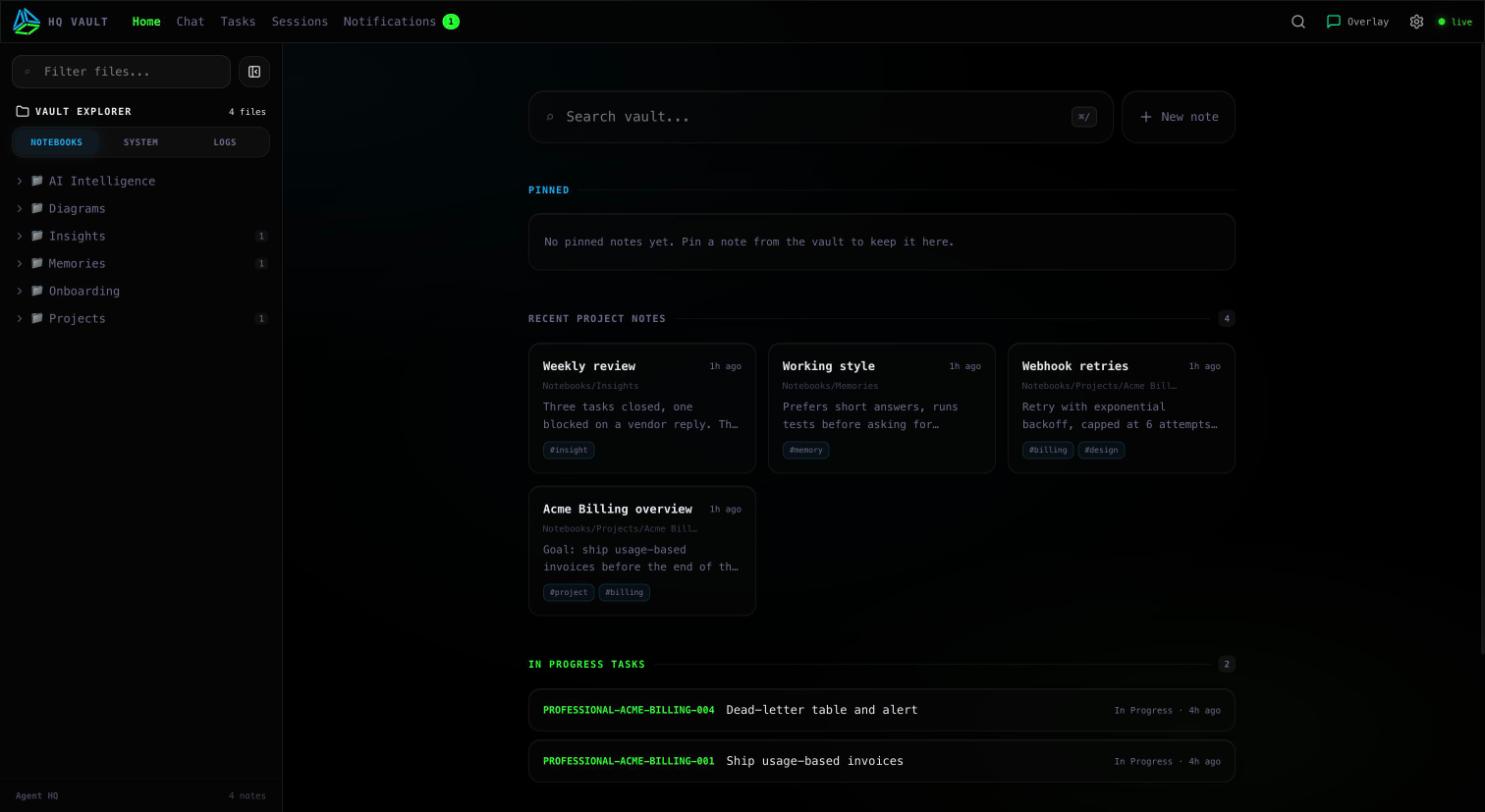
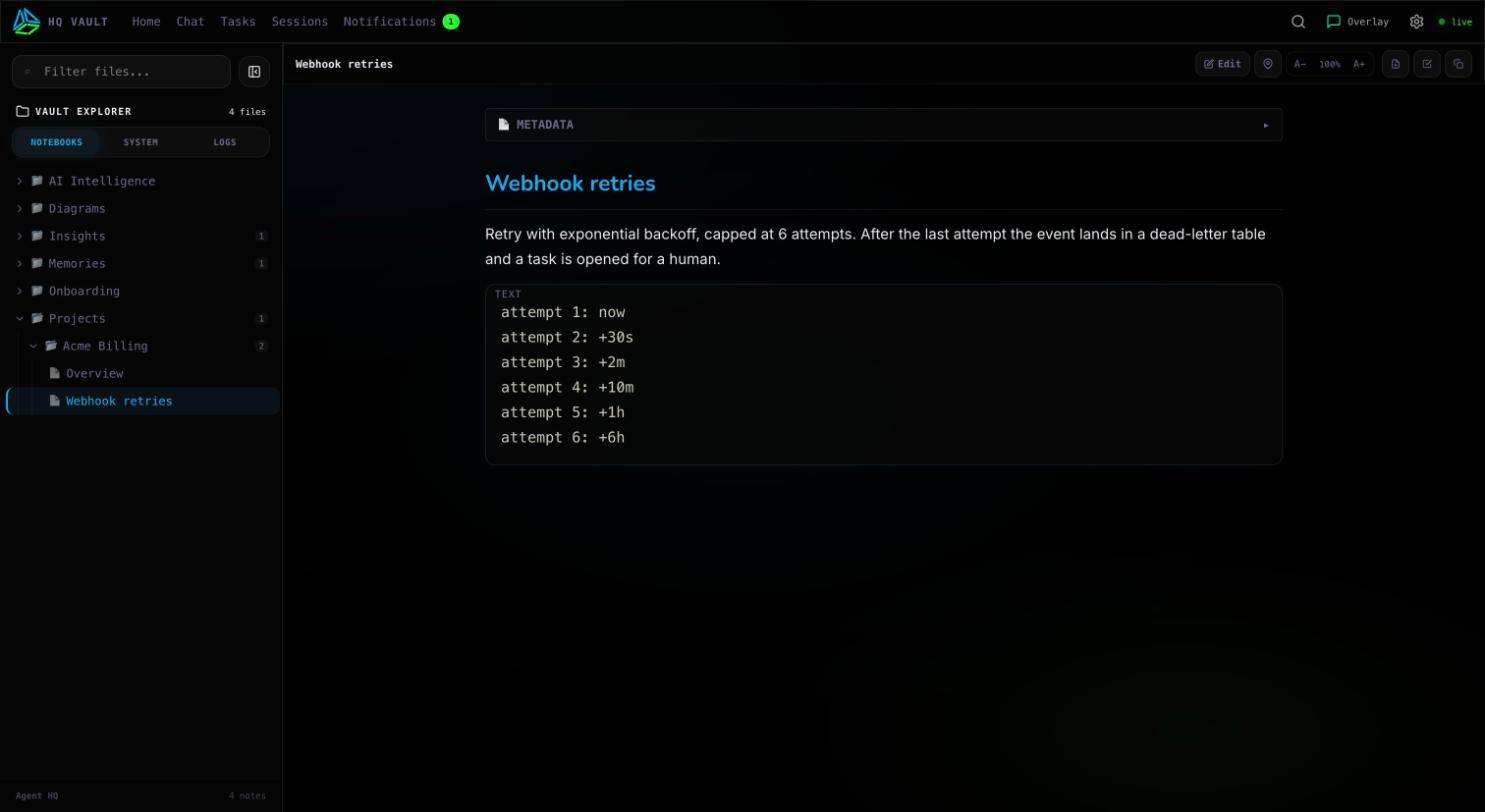
Notes, memory, skills and threads are plain markdown on your disk, plus one SQLite database for search.

What it does
Discord, Telegram, a web app that installs as a PWA, and your terminal share one conversation history and one memory. Start a thread on your phone and finish it at your desk.
Notes, memory, skills and threads are plain markdown files on your disk, plus one SQLite database for full-text search and embeddings. Nothing is locked inside a service.
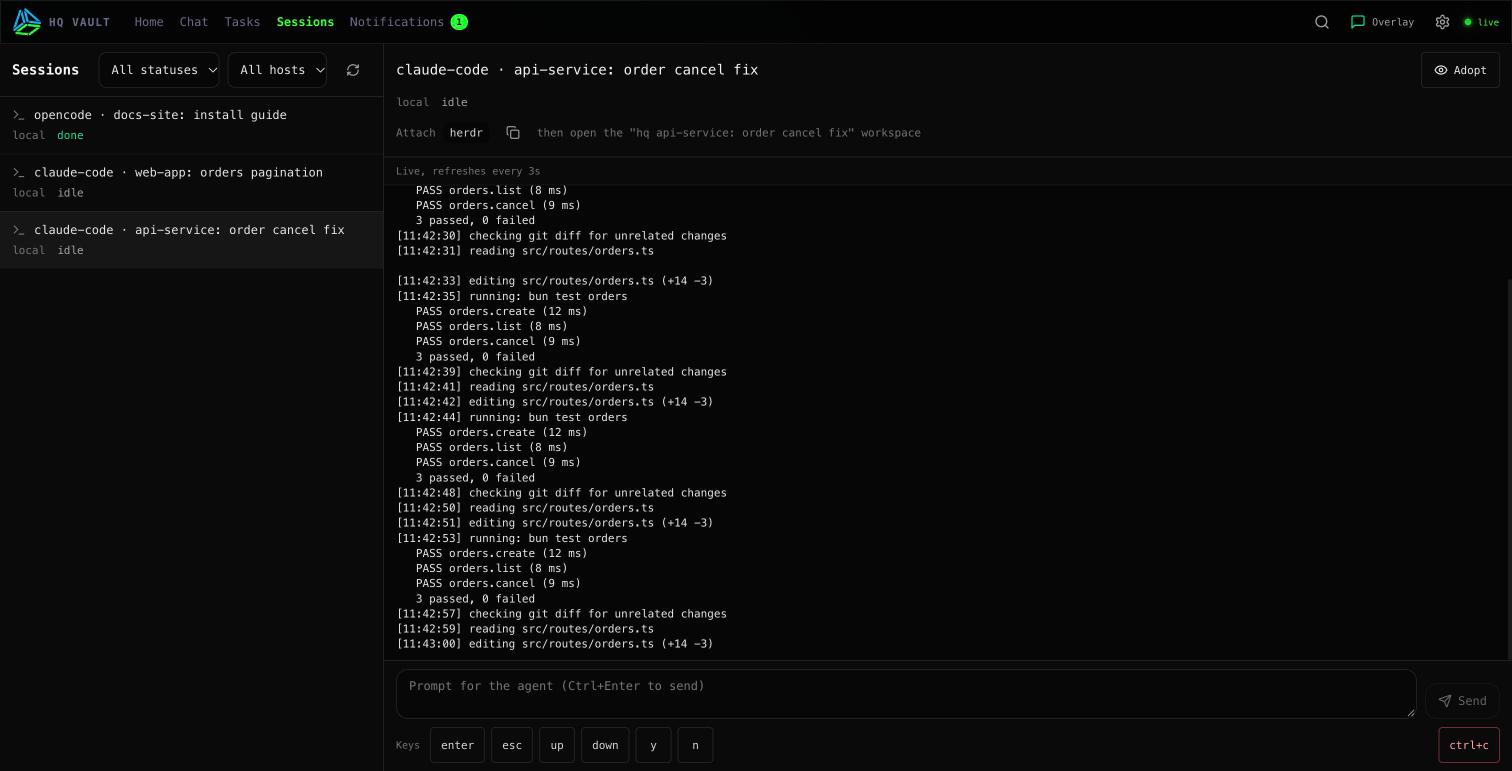
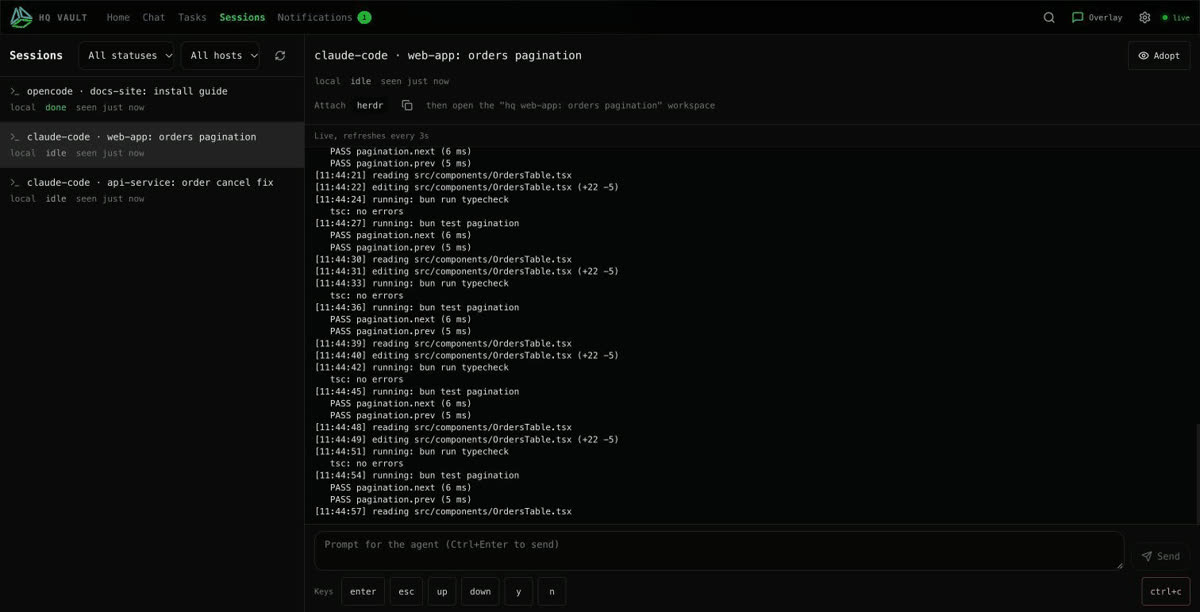
Start, watch, steer and resume Claude Code, Codex, OpenCode and others inside the built-in host, on this machine or a paired one. Personal agents such as Hermes and OpenClaw run there too, sandboxed and kept to research, review and monitoring. HQ tells you when one blocks. It never answers a trust prompt for you.
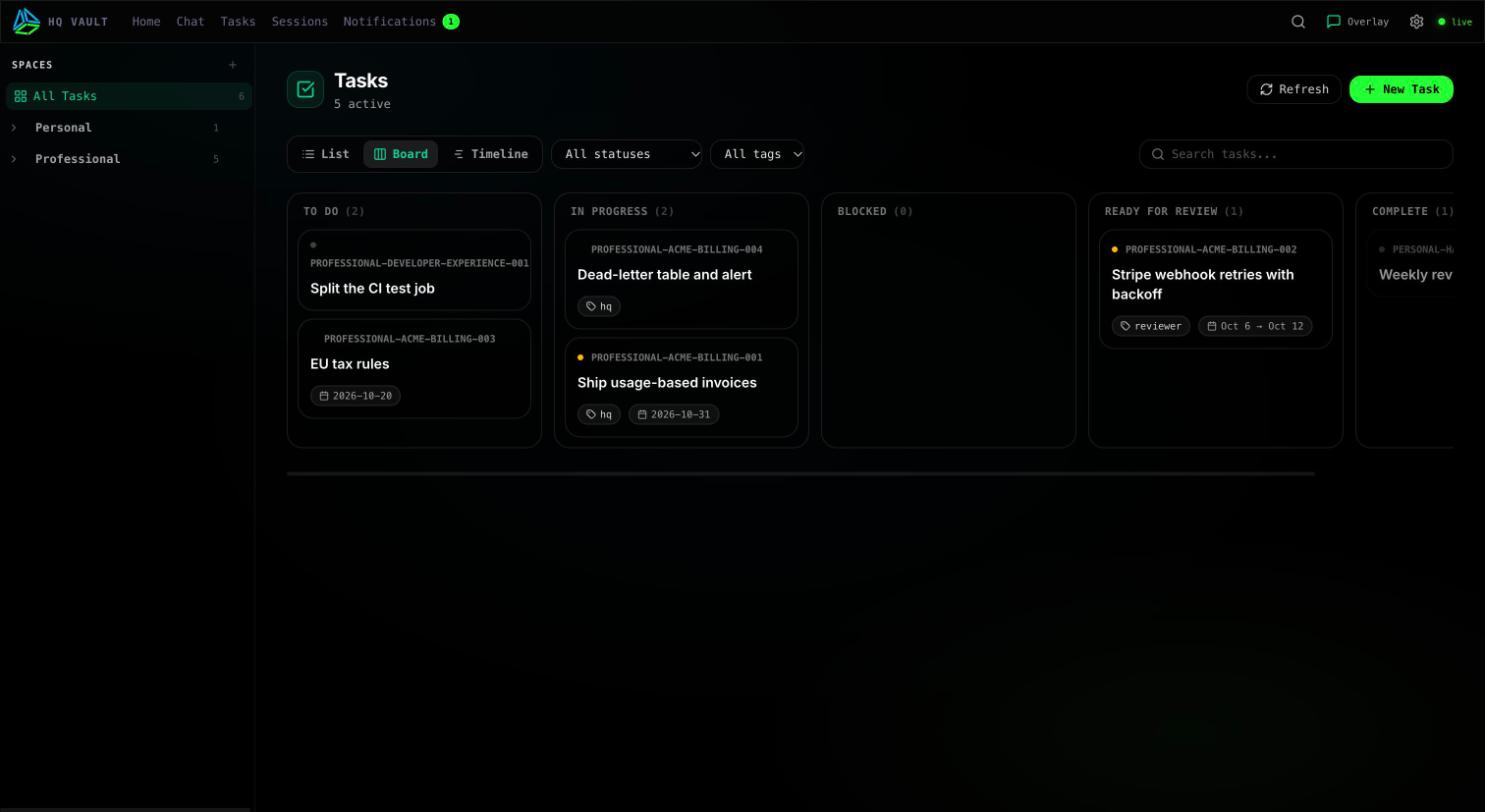
Spaces, initiatives, tasks and comments are built in, with list, board and timeline views. Sub-agents run single, parallel, race or graph. Long turns detach and report back, and /watch schedules recurring ones.
web_search queries Google, DuckDuckGo, Brave, Mojeek and engines for news, science, images and code, all inside the hq process. No key, no Docker. Blocked engines are suspended and remembered, and a server on a blocked address can ask a peer HQ.
Two tools, hq_discover and hq_call, open the whole registry to Claude Code, Cursor, VS Code, Copilot and other MCP clients. Remote MCP servers can be bridged in the other direction.
Agent shell commands run in a sandbox with an environment allowlist. Untrusted content taints a session and cuts off secrets and outbound network. Servers update from signed releases and roll back on a failed health check.
See it
Where it runs
HQ is one binary and a folder of markdown, so it goes wherever you have a machine that stays on. Pick a host now and move later: the vault is the same everywhere.
macOS (Apple Silicon and Intel) or Linux
One command installs a signed binary and the web app. On a Mac, hq service install keeps the daemon running and starts it at login.
curl -fsSL https://agent-hq.online/install.sh | bash
Any Linux VPS, or a Hetzner server from a short form
Always on, updates itself from signed releases every ten minutes and rolls back when a health check fails. Reach it privately over Tailscale.
Server optionsOne container, amd64 and arm64
The image runs HQ with its web app and prints a sign-in link on first start. The vault lives in a volume.
docker run -d -p 127.0.0.1:5678:5678 -v hq-data:/data ghcr.io/calvinmagezi/hq
Full HQ in WSL2, or HQ Lite with no admin rights
The PowerShell installer asks which one you want. Lite keeps your notes, tasks and web app, and never makes a network call it does not list.
irm https://agent-hq.online/install.ps1 | iex
Developer preview
A phone in a drawer can be the always-on host: the daemon, both chat relays and the web app run on it, with a data saver for metered plans. Coding agents still run on a laptop or server, and the phone supervises them.
See the phone appAndroid app · developer preview
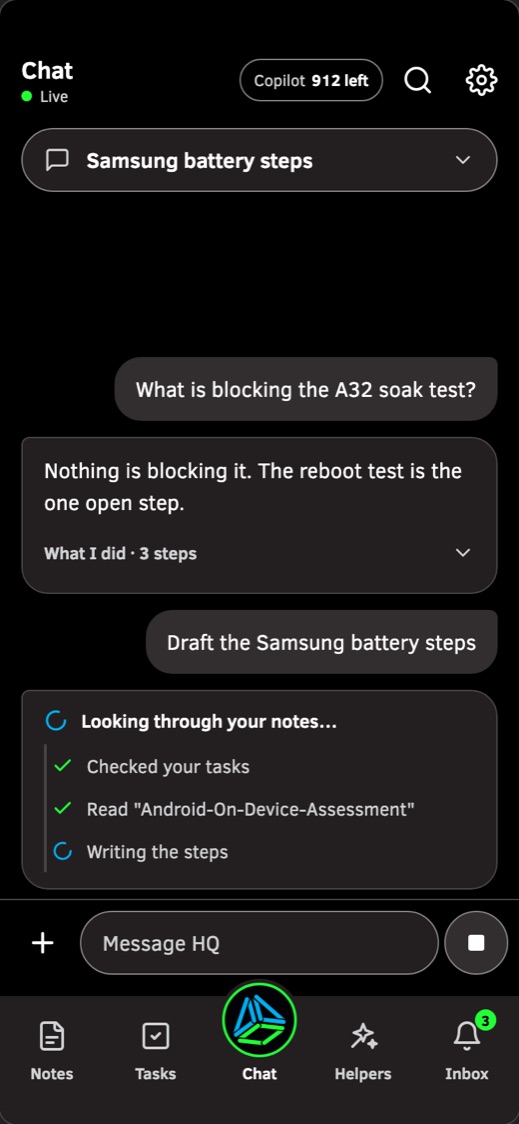
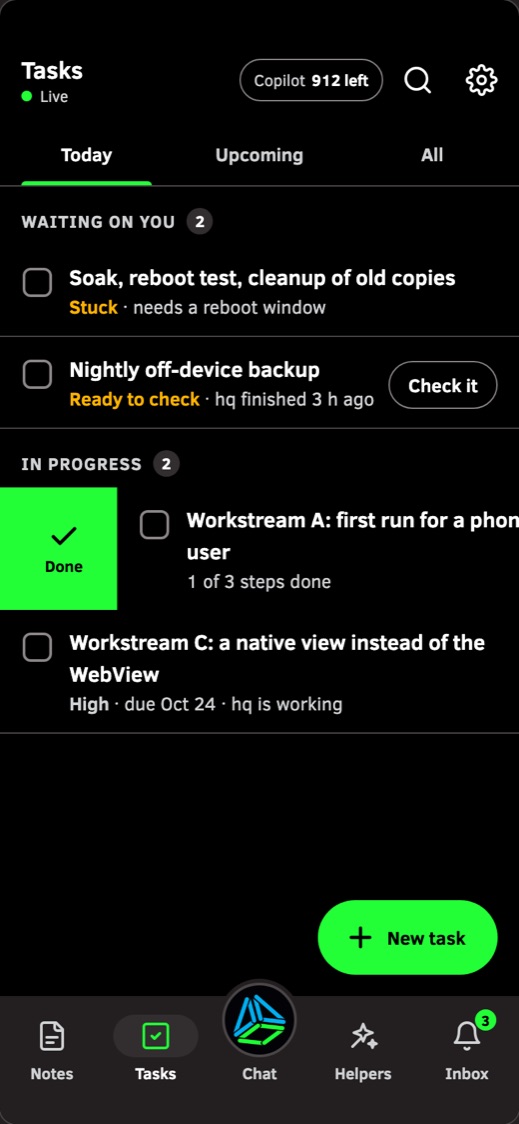
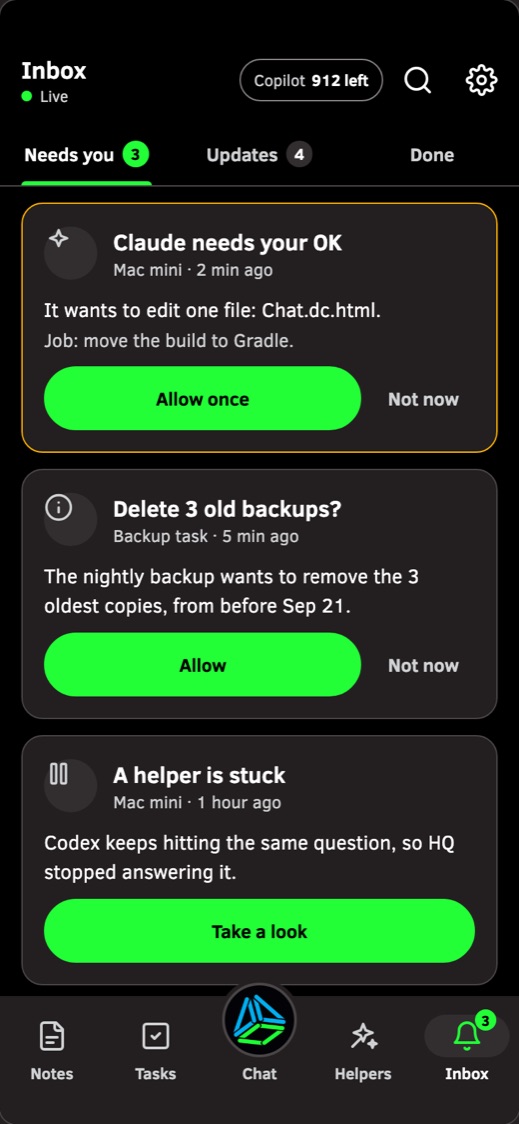
The Android app runs HQ itself as a foreground service: chat, tasks, notes, an inbox of things that need your OK, and the coding agents working on your other machines. Pair a laptop with a QR code, and connect Claude from the phone.
 Chat
Chat
 Tasks
Tasks
 Inbox
Inbox
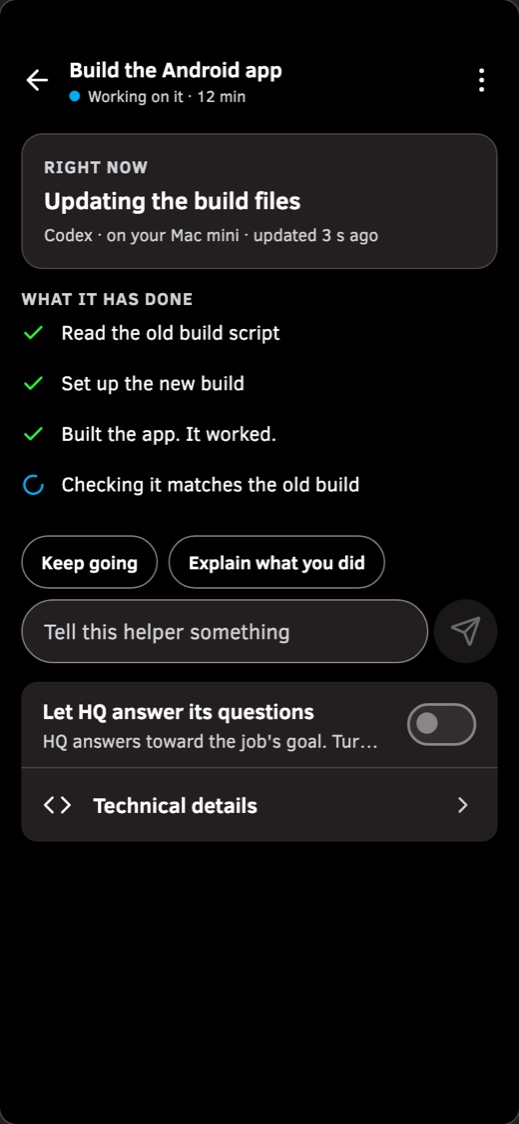 Helpers
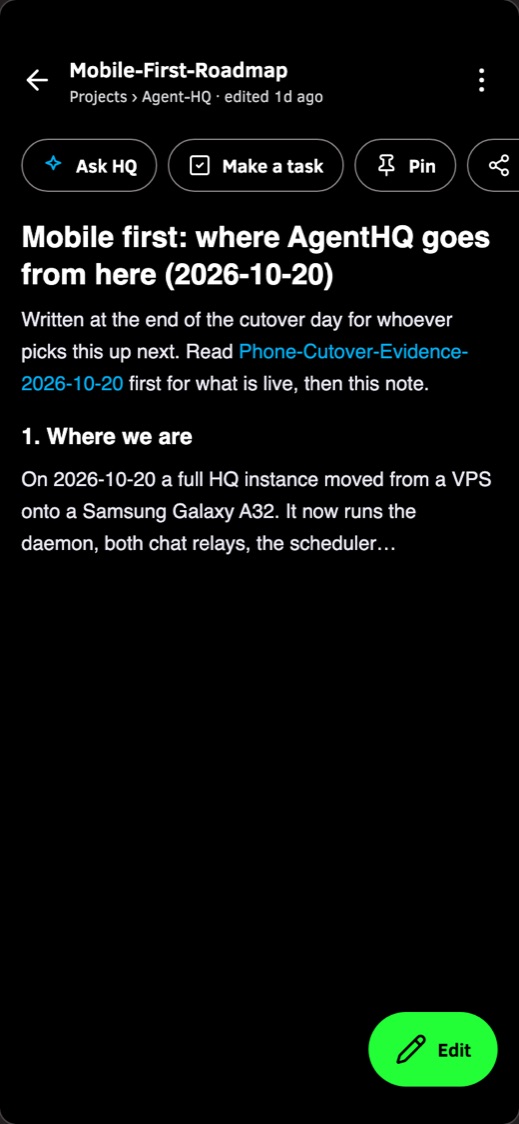 Notes
Notes
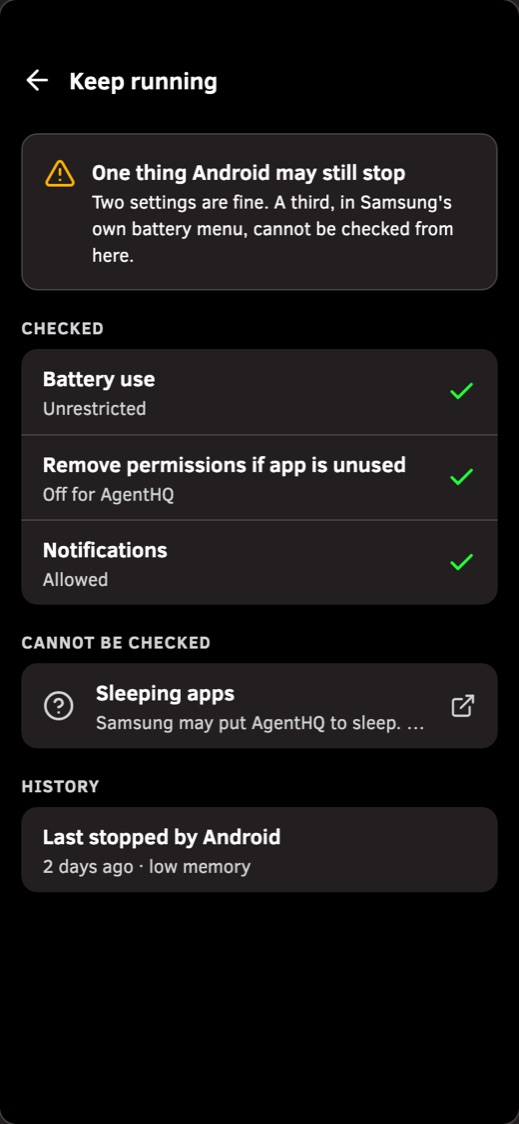 Keep running
Screens from the design preview of the native app. The app in the repo today wraps the same web app, and these screens are where it is going.
mobile profile: daemon, Telegram and Discord relays, web app, sub-agentsLocal first
Notes, memory, skills and threads are plain markdown files on your disk, plus one SQLite database for full-text search and embeddings. Nothing is locked inside a service.

Install
A signed binary for Linux and for Macs on Apple Silicon or Intel, plus the web app. Then scaffold a vault, add one model key, and let doctor send your model a real test request.
curl -fsSL https://agent-hq.online/install.sh | bashhq install && hq envhq doctorVersion 0.9.x
Expect rough edges and changes between releases. Defaults have tightened since 0.9.0: the bash sandbox is now required by default, and chat relays no longer adopt the first sender as owner.
It talks to Discord and Telegram, not Slack or WhatsApp. Signed release binaries are built for Linux (x86_64 and ARM) and for Macs on Apple Silicon and Intel. The Android app is a developer preview you build yourself. The changelog lists every upgrade note.